Apple has long prioritized accessibility, offering a wide array of settings in the iPhone’s Settings app to accommodate users with diverse needs.
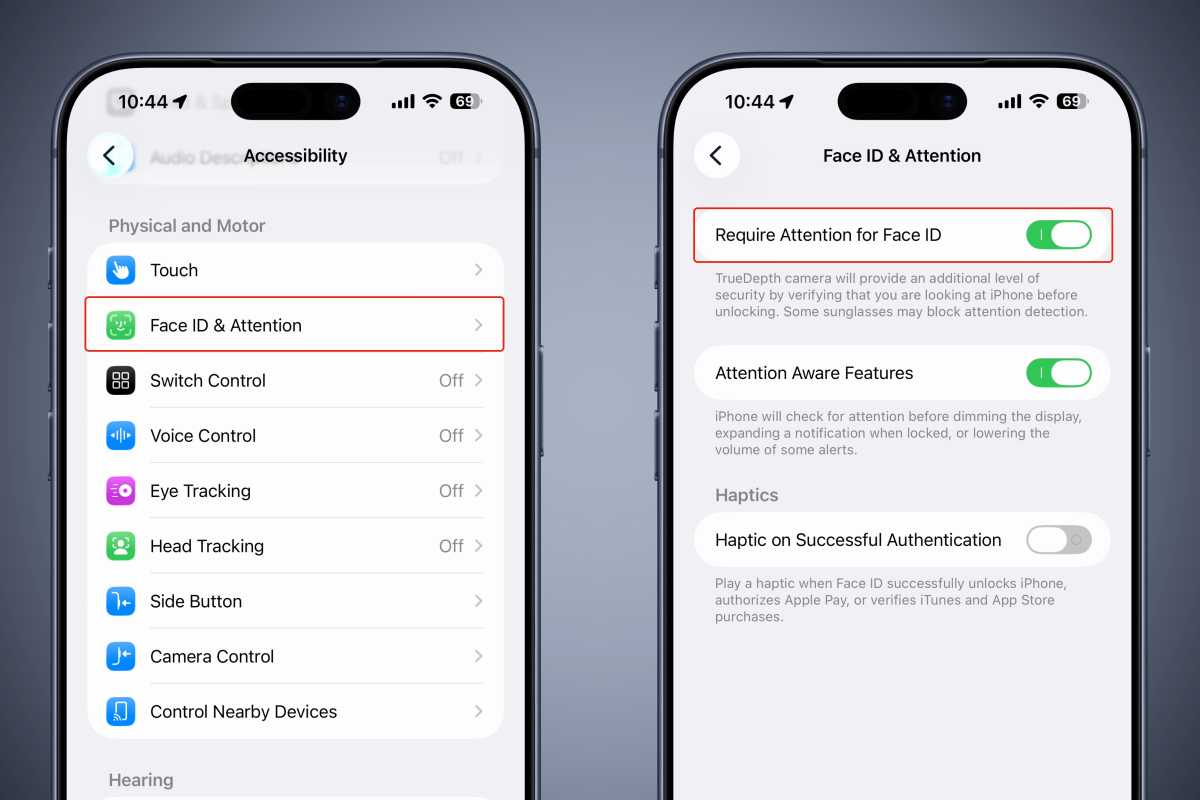
Among these, Face ID attention check ensures the device unlocks only when the user looks directly at it, reducing accidental unlocks.
The system warns about certain sunglasses but functions reliably, and an optional haptic feedback confirms successful authentication.
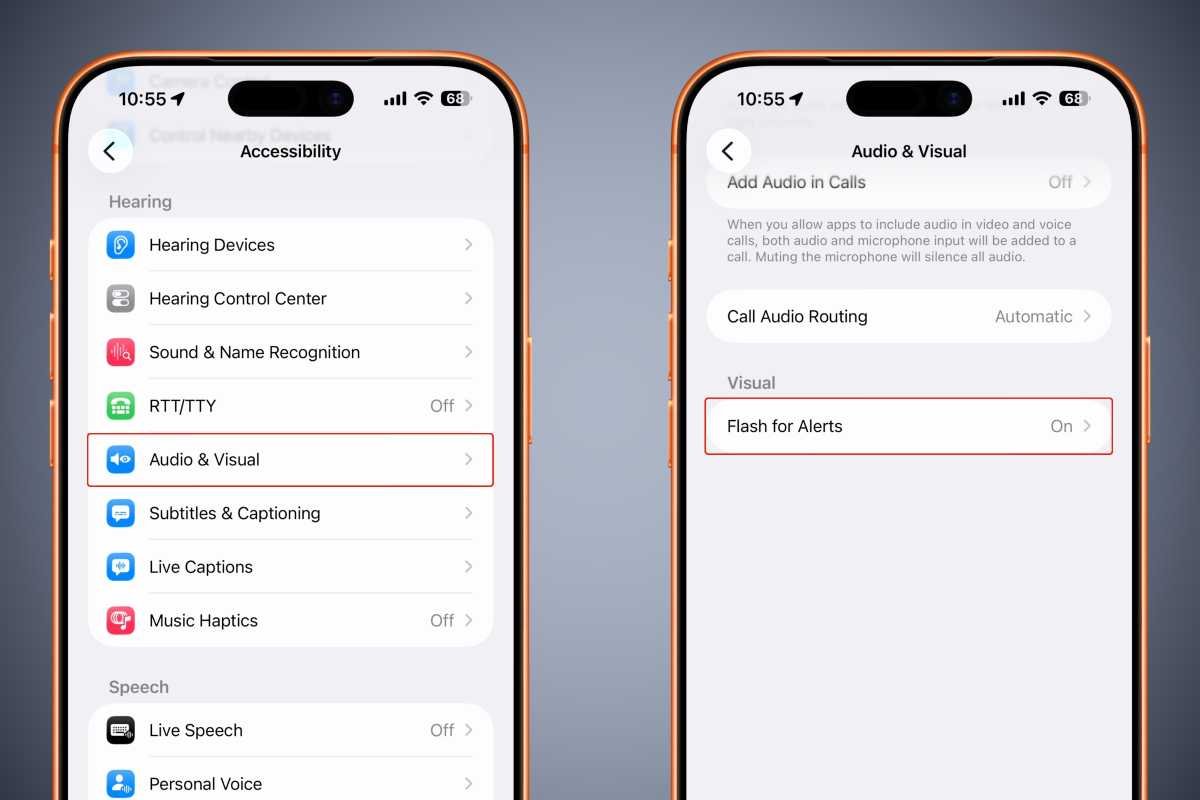
Users can opt for visual alerts via the rear camera LED flash or a flashing display instead of audio, though frequent use may drain battery life.
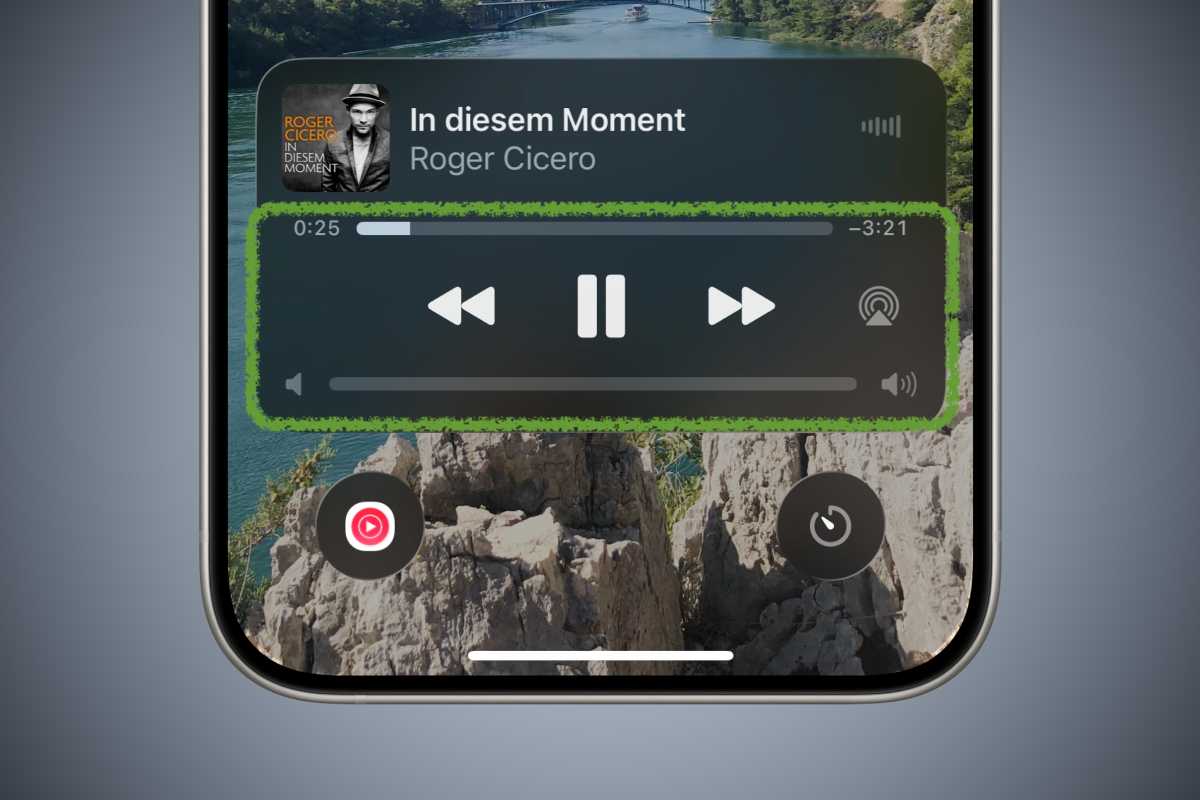
Although the volume slider was removed from widgets in recent iOS releases, it remains accessible through Accessibility settings, providing a visual indicator of volume level.
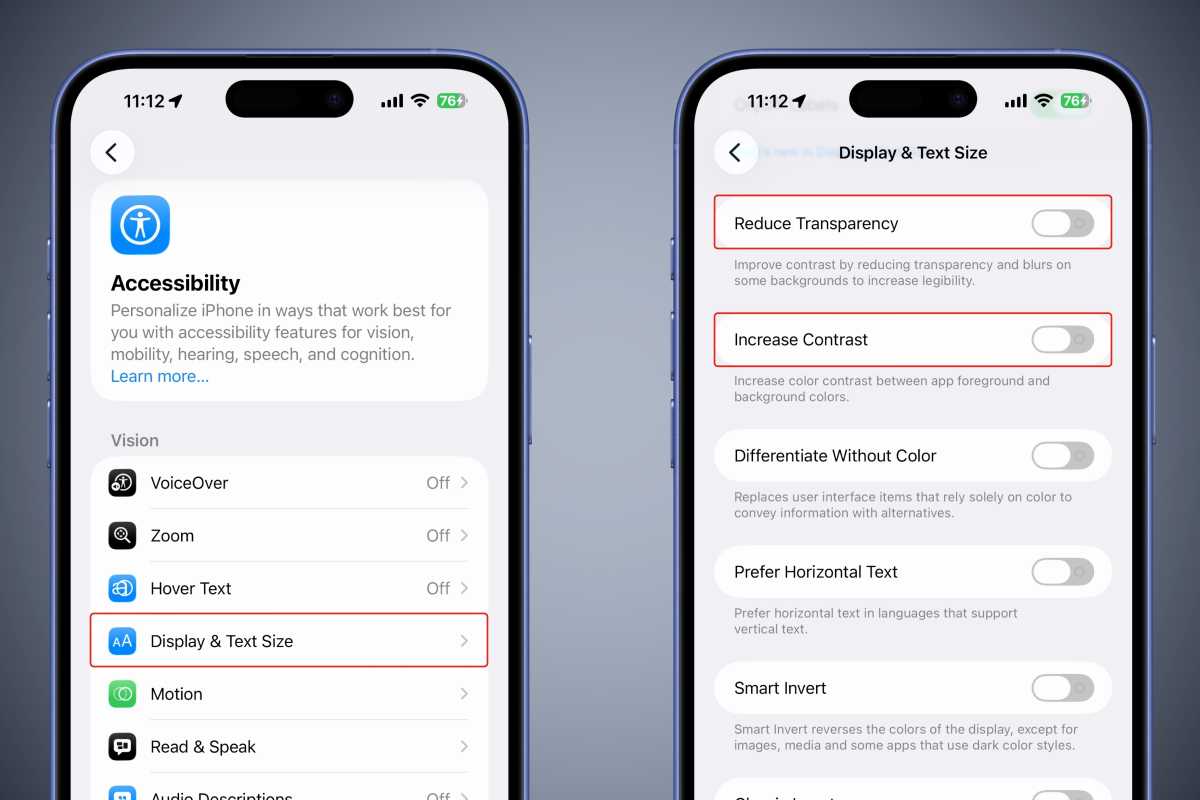
Apple’s Liquid Glass design will become mandatory in future iOS versions; users can enhance readability by adjusting contrast and transparency settings.
An option to display on/off labels adds graphical cues alongside color changes, offering a retro aesthetic and aiding users who rely on visual symbols.
Siri can be set to always listen, even when the phone is face down or covered, by enabling a toggle in Accessibility settings.
The Back Tap feature, introduced after the Home button’s removal, allows double or triple taps on the rear to trigger custom actions, such as taking screenshots.
Background sounds such as ocean, rain, and white noise are available for relaxation or sleep aid, and can be scheduled to stop automatically.
The Limit Frame Rate setting reduces the refresh rate to 60 fps on supported devices, potentially lowering heat and battery consumption during intensive use.
Reachability, also known as one‑handed mode, moves the screen down for easier access on larger devices and can be enabled via Accessibility.