
The security benefits of a guest Wi-Fi network are often touted as a best practice for homeowners, but not all experts agree. In a conversation with a security expert, we explored the reasons for and against setting up a guest network at home.
One of the main reasons to set up a guest network is to isolate the security weaknesses of visitors and internet-capable devices, such as smart TVs, baby monitors, and cameras. This is because you don't have control over other people's devices, and they could potentially harbor compromised phones or laptops that could compromise your home network's security.
However, some experts argue that home routers don't handle guest traffic as effectively as corporate environments, where VLAN (virtual local area network) configurations are used to isolate traffic. Consumer-grade routers, in particular, may not provide the same level of isolation, as the firmware that manages guest traffic is often not well-documented.
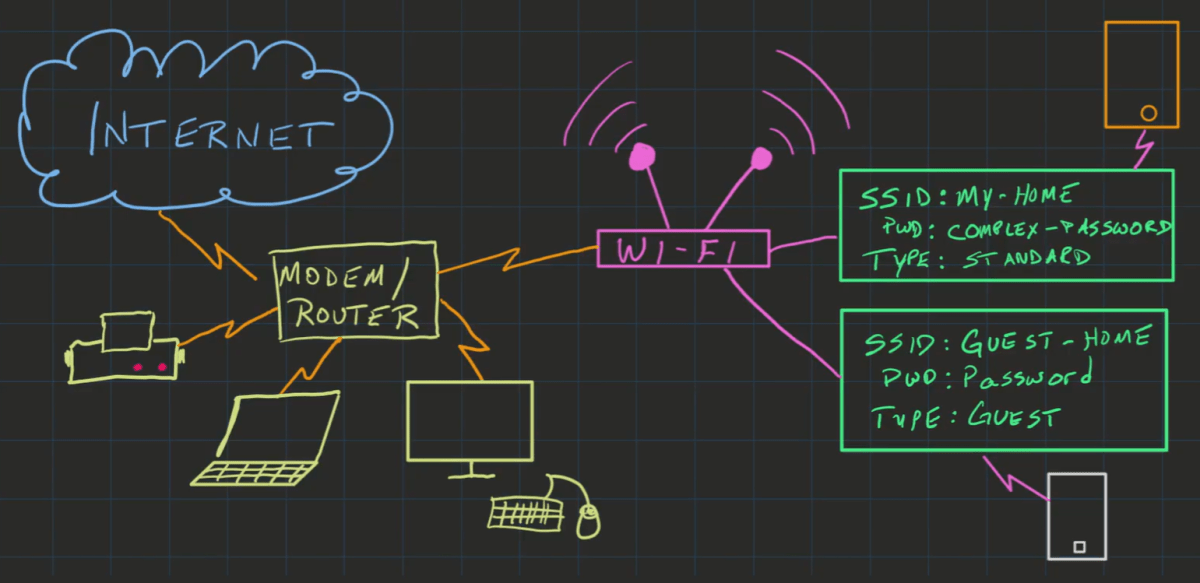
One security expert suggested that the best approach is to leave untrustworthy devices off your network altogether. However, this may not be a practical solution for many people, who may rely on devices with useful features but lax security.
Instead, setting up a guest network can provide some protection, but it's essential to understand the limitations. A guest network can help to reduce the risk of security vulnerabilities, but it's not a guarantee of safety.
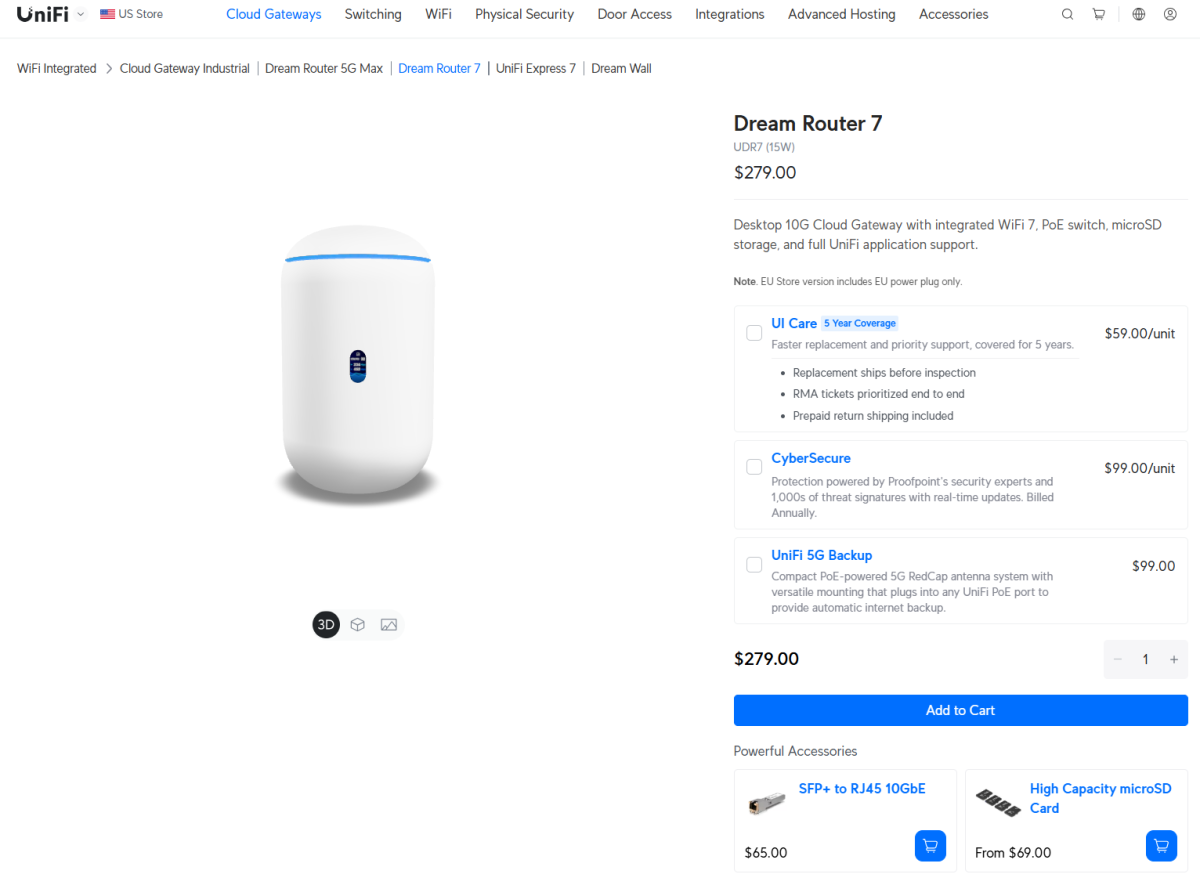
When evaluating home routers, look for ones that properly isolate guest network traffic, such as Ubiquiti, Meraki, and Aruba. These routers are more likely to provide a reliable level of security control. Additionally, consider turning off remote access to your router, as this can help to reduce the risk of security vulnerabilities.
The decision to set up a guest network ultimately depends on your level of comfort with security risks and your ability to implement effective security measures. While a guest network can provide some protection, it's essential to understand its limitations and take additional steps to secure your home network.
Ultimately, the goal is to reduce the risk of security vulnerabilities, not eliminate them entirely. By setting up a guest network and taking other precautions, you can help to protect your home network and your devices from potential threats.
When choosing a router, look for features that isolate guest network traffic and document how these features work. This can give you a better understanding of the level of security control you have.
It's also essential to remember that a guest network is not a "makes the device perfectly trustworthy" feature. It's a risk reduction strategy that can help to protect your home network, but it's not a guarantee of safety.
By taking a balanced approach to security and understanding the limitations of guest networks, you can help to protect your home network and your devices from potential threats.
The key takeaway is that a guest network can provide some protection, but it's essential to understand its limitations and take additional steps to secure your home network. By doing so, you can help to reduce the risk of security vulnerabilities and protect your devices.


