Bunny Ears TV aims to revolutionize the way people watch streaming content. Unlike traditional free streaming services, it offers users complete control over their viewing experience without interruptions from ads.
The app uses Plex Media Server to create dozens of round-the-clock streaming channels based on users' own movie and TV file collections. This allows users to browse through channels like "popcorn movies," "game shows," and "laugh track," and switch between them seamlessly.
Plex Media Server, a free program, can stream media files from a desktop computer or NAS device to various devices, including phones, TVs, and other devices. Users can rip DVDs, record local channels from antenna, and download videos from YouTube to create their own content libraries.
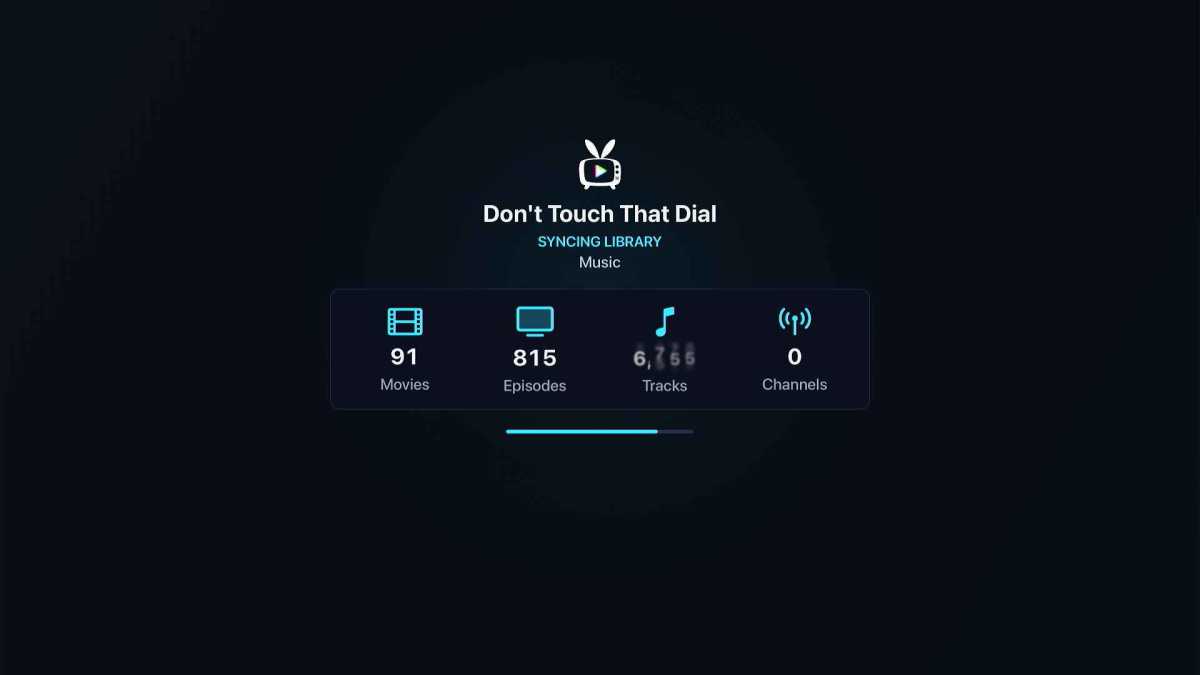
Bunny Ears TV connects to users' Plex accounts and organizes their video files into a collection of live streaming channels. The app creates up to 26 channels, depending on the amount of compatible content in the user's Plex library.
Once installed on an Apple TV, Bunny Ears TV provides a big cable-style grid guide with video previews in the top-right corner. Users can click on a channel to enter a full-screen view and switch between channels with ease.
The app's settings menu allows users to customize their experience, including disabling specific channels, adjusting video playback settings, and playing TV episodes randomly or in order.
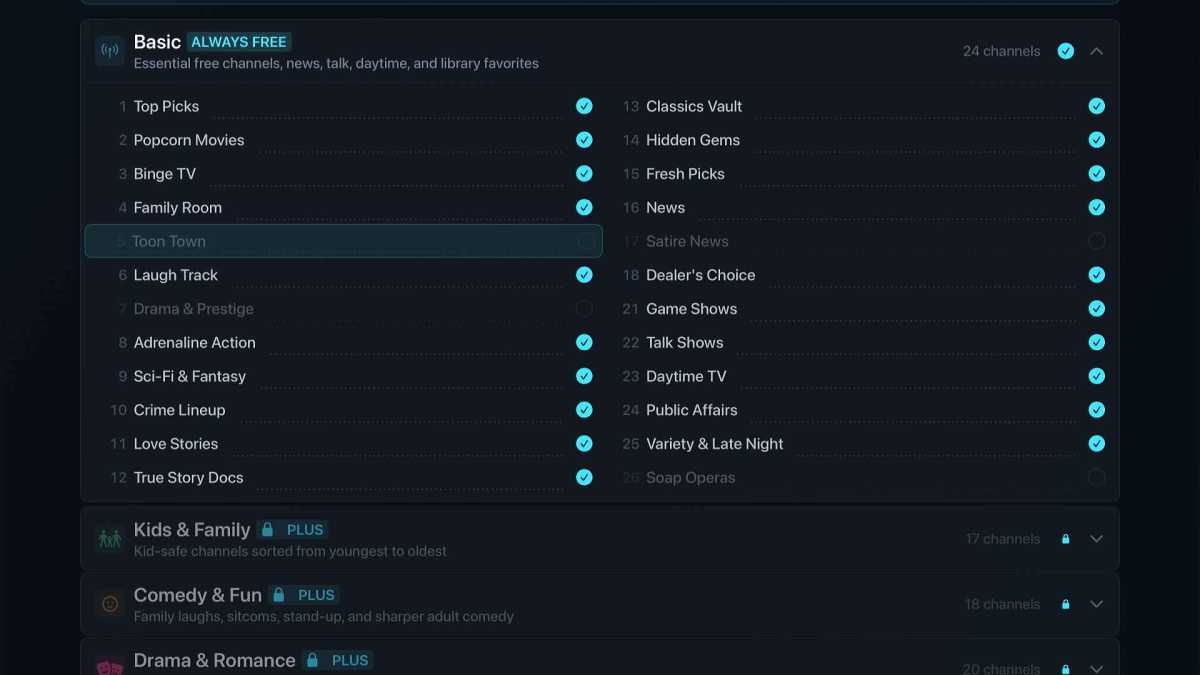
Bunny Ears TV offers a free version with 26 live channels and no ads or time limits. For $3 per month or $18 per year, users can upgrade to Bunny Ears TV+ and unlock hundreds of additional channels, create custom channels, and access features like Ad Bumpers and DVR Mode.
Despite some rough edges, such as the need to scroll to the top of the guide to access settings, Bunny Ears TV provides a cable-like experience without the hassle of ads and commercials. Its developer plans to release iPhone and iPad versions in the future, making it an exciting option for those looking to rediscover their Plex content.