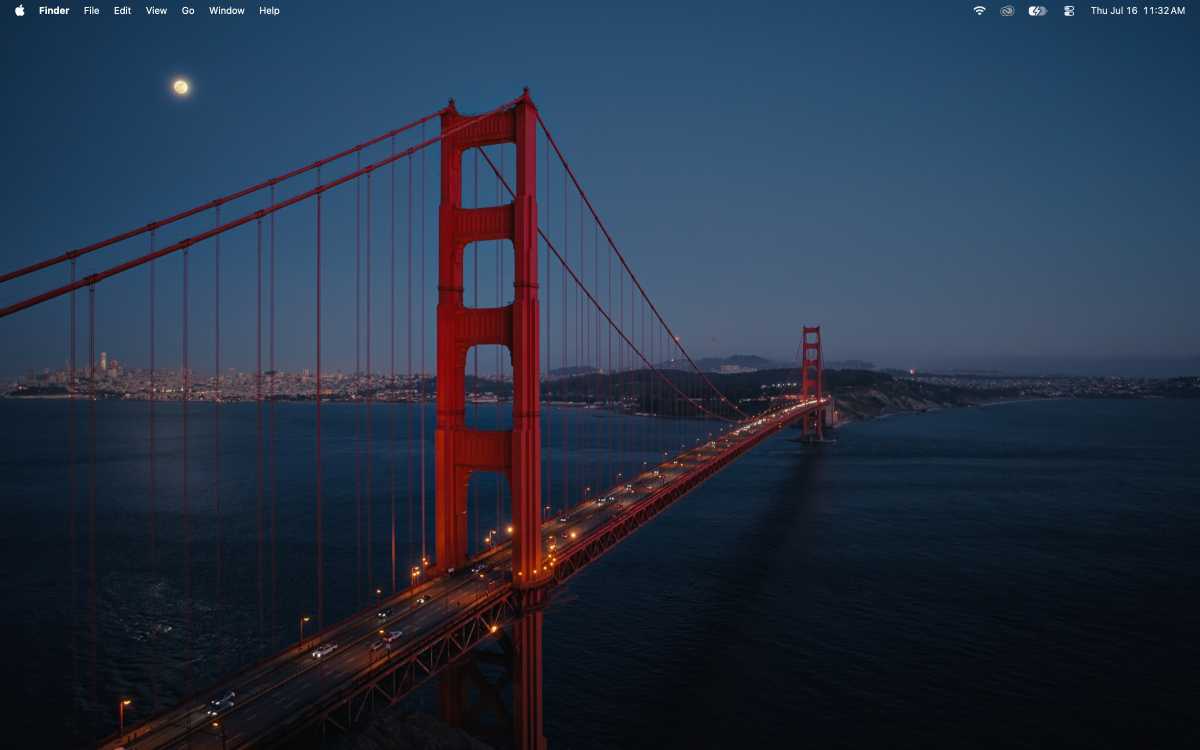
Apple has long used iconic landscape images as default wallpapers for its macOS releases, featuring desert dunes, island vistas, and coastal scenes. After a period of abstract graphics, the company has returned to natural imagery with the latest operating system.
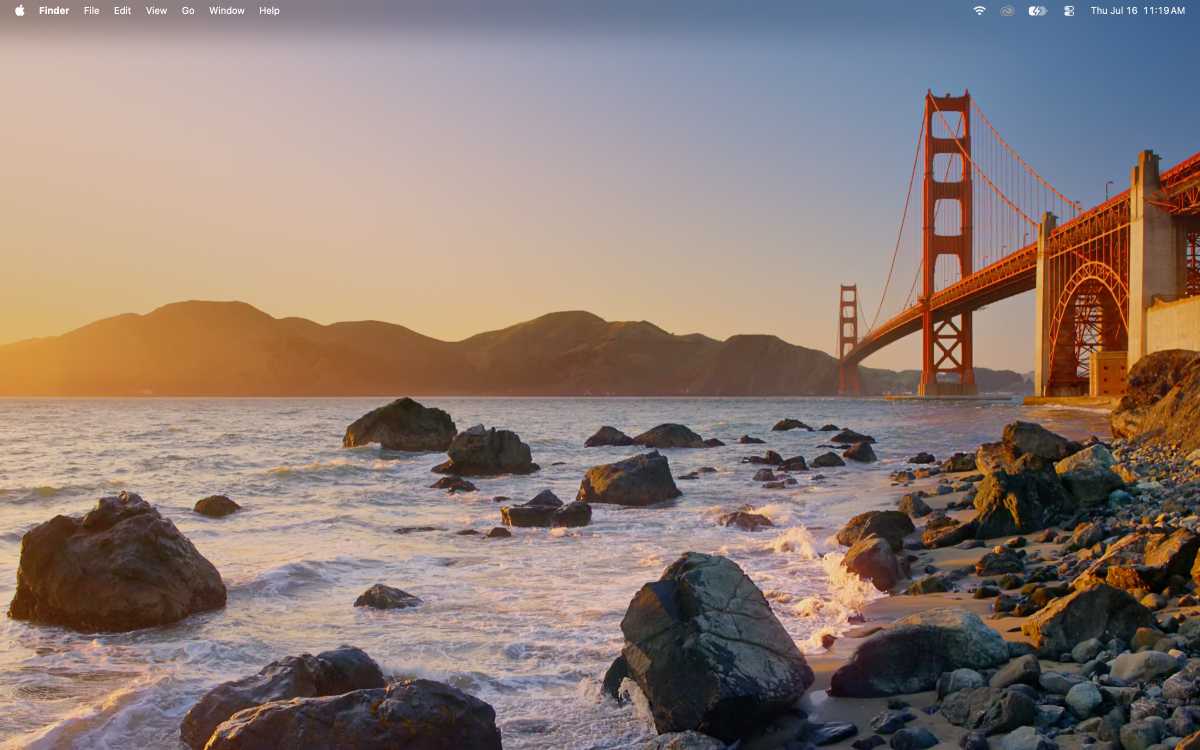
Early betas of the new release showcased a brown‑gold abstract background, but the third developer beta and the public beta introduced a sunset view of the Golden Gate Bridge as the standard wallpaper. The image captures the bridge against a fading sky.
The accompanying screensaver expands the scene, slowly panning across the southern rocks toward the surf. A second option, available after download, presents the bridge at night from the northern side, with city lights and a moving moon in the background.
Both wallpapers and the screensaver can be accessed through System Settings under Wallpaper, within the Landscape section.