Apple has begun rolling out the first public beta of iOS 27, allowing iPhone and iPad owners to test the major update without a developer account.
The update introduces a revamped virtual assistant, a redesigned interface, and numerous quality‑of‑life enhancements, generating strong interest among users.
While public betas are generally more stable than early developer builds, they remain unfinished software and may still exhibit crashes, battery drain, or feature failures.
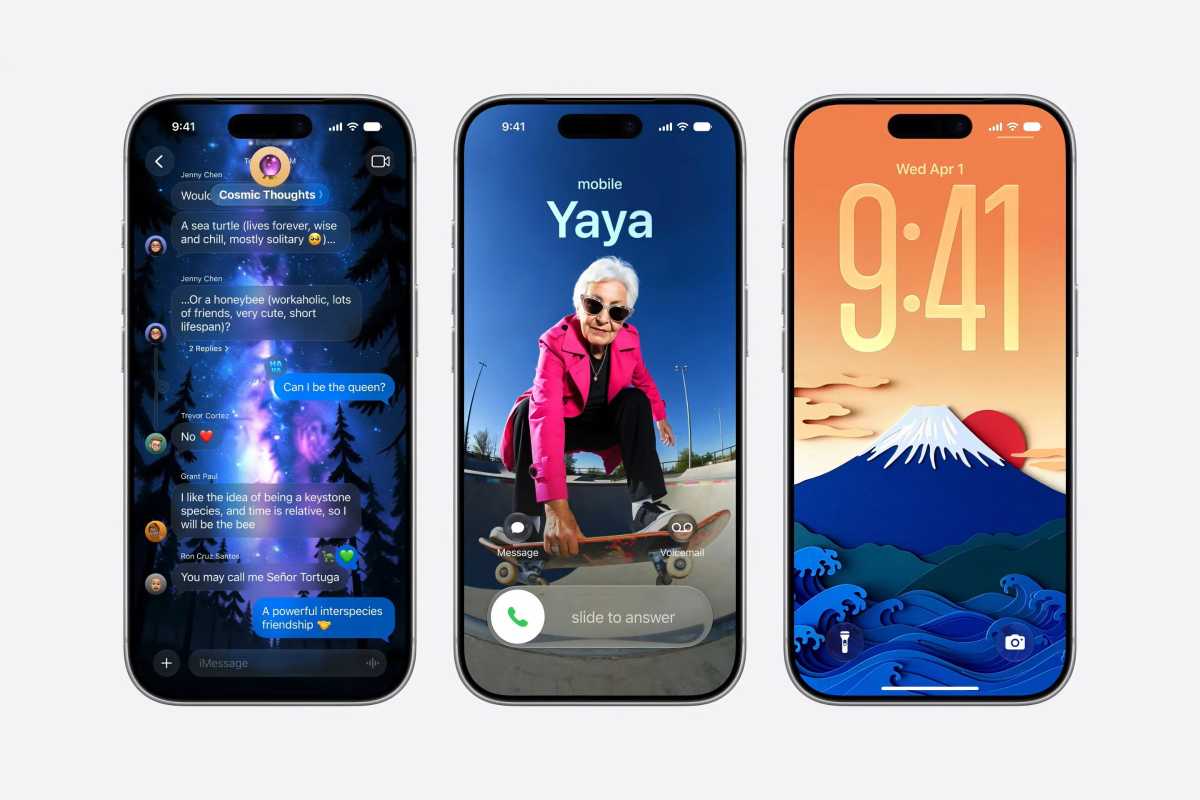
Recent testing shows stability improvements over the initial beta and, in some respects, better performance than the previous iOS version, yet reliability cannot be guaranteed.
Users who depend on their devices for work should weigh the risk of intermittent issues against the two‑month window before the final release.
Most mainstream applications run without major problems, but banking, authentication, VPN, smart‑home, business tools, and certain games have reported incompatibilities.
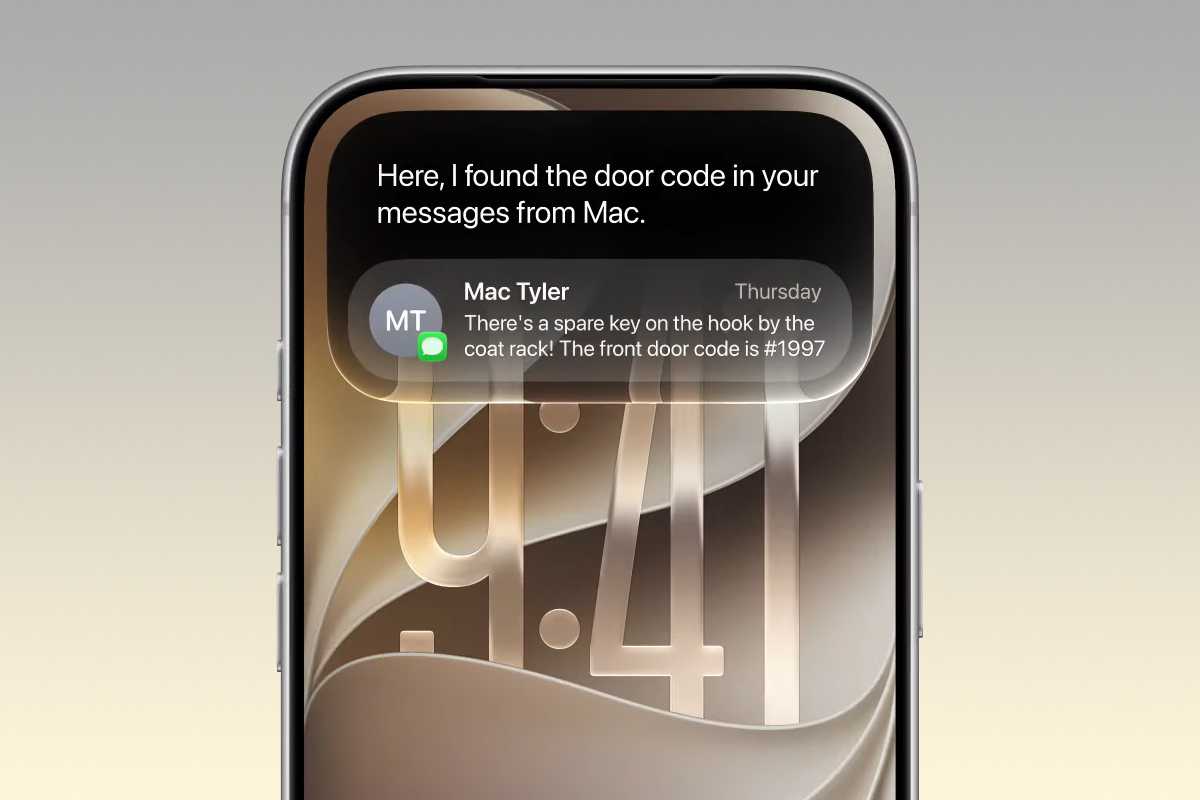
Some apps may crash on launch or display subtle bugs during routine use, so users should verify the status of essential applications before upgrading.
The new AI‑powered Siri is a headline feature, but activation requires joining a waitlist and is limited to supported devices such as iPhone 15 Pro models and newer Macs or iPads with M1 chips.
After requesting access, activation can take from several hours to a few days, and the feature will not be available immediately after installing the beta.
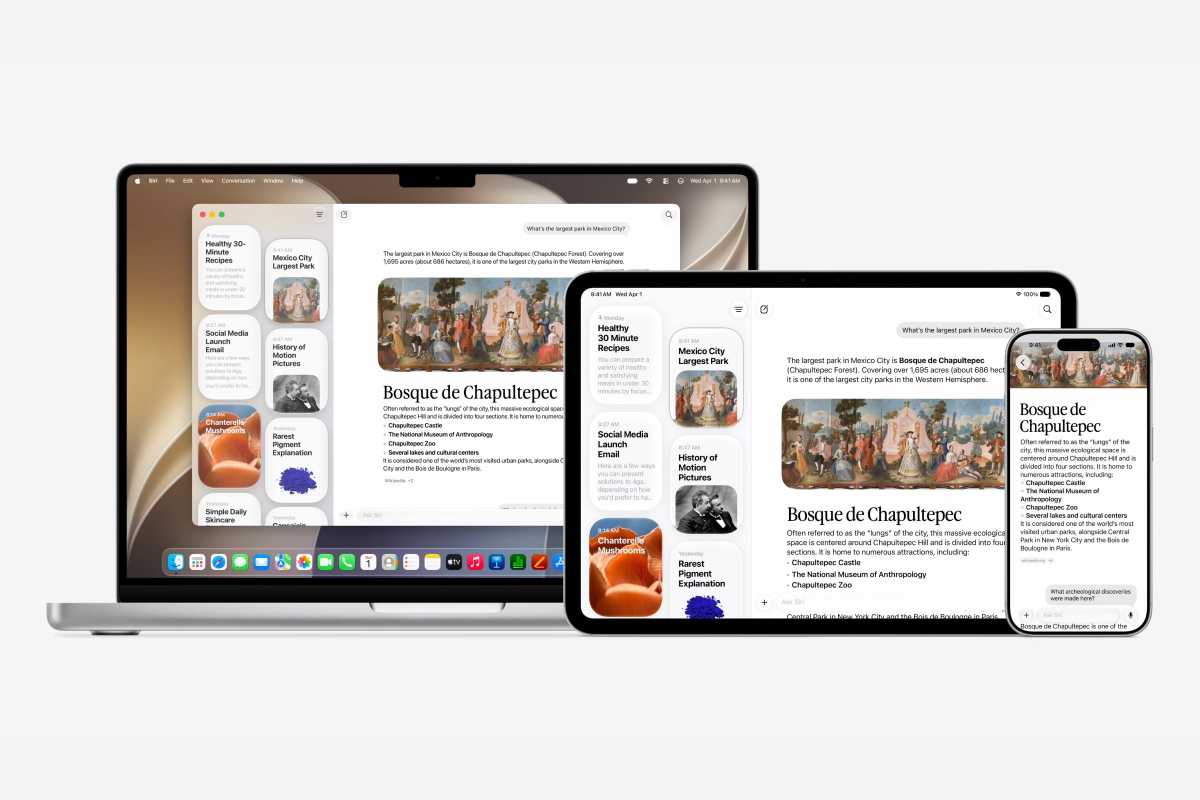
Apple typically releases new beta builds every two weeks, sometimes more frequently, to address emerging bugs ahead of the scheduled fall launch.
Frequent updates bring important fixes but can also introduce new issues, so users should be prepared for regular installations.
Creating a full backup before installing the beta is essential; an archived local backup on a computer preserves the pre‑beta state and simplifies a possible downgrade.
An archived backup remains untouched by subsequent iCloud syncs, ensuring that data from the previous iOS version can be restored if needed.
Users comfortable with troubleshooting and eager for early access may find the public beta worthwhile, given its polished appearance and substantive enhancements.
Conversely, individuals with a single device, critical work requirements, upcoming travel, or a low tolerance for instability should consider waiting for the official September release.
Participating in the public beta provides a preview of the next generation of iPhone software while also contributing to its final refinement.