The crackling started subtly, a faint whisper in the midst of focused work. Then it grew, escalating into a distinct, unsettling noise, accompanied by a smell that instantly triggered alarm bells. Beneath my desk, the power strip was failing, and a wave of panic washed over me as I scrambled to shut down my computer and disconnect everything.
I was fortunate to be present, to intervene before a potential disaster. But what if I hadn’t been? How do you recognize the silent warnings a failing power strip broadcasts before it’s too late? Recognizing these signs could save your valuable electronics – and potentially prevent a fire.
The most obvious indicators are the ones I experienced: unusual sounds and a burning odor. But look closely at the strip itself. Visible damage – cracks, melted plastic, or discolored areas – are immediate red flags. Also, be alert for devices inexplicably losing power or an indicator light that stubbornly refuses to illuminate.
Never test a suspect power strip with an expensive or irreplaceable electronic device. The risk of permanent damage is simply too high. It’s a gamble you shouldn’t take, even with something seemingly minor.
It’s crucial to understand the difference between a basic power strip and a surge protector. They often look identical, but their functionality is vastly different. A power strip is essentially an extension cord with multiple outlets, offering convenience but no protection against power surges.
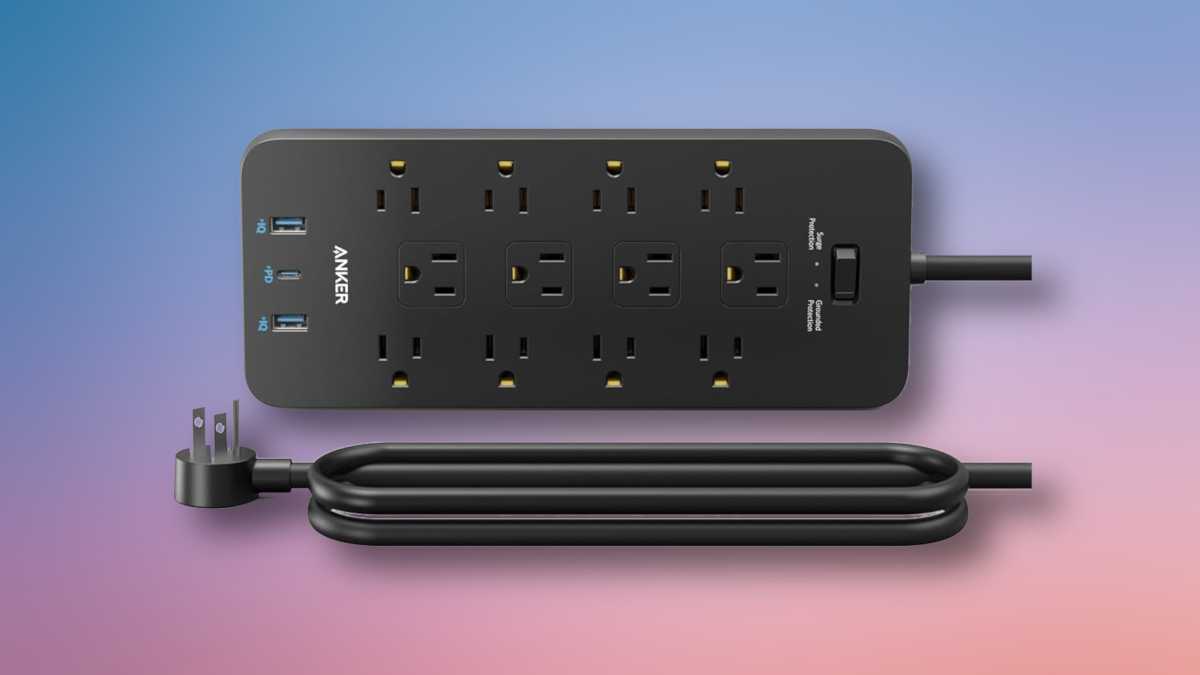
A surge protector, however, contains components designed to absorb excess voltage from sudden power spikes – those that occur during lightning storms or when high-demand appliances cycle on. This absorption safeguards your sensitive electronics by taking the brunt of the surge.

If a power strip feels warm to the touch or exhibits any unusual characteristics, immediately unplug it. First, disconnect your devices, then remove the strip from the wall outlet. Don’t underestimate the potential for a dangerous situation; caution is paramount.
If you’re unsure whether the issue lies with the power strip or a connected device, test the device with a known-good strip. If the problem persists, the original strip is likely the culprit and should be disposed of responsibly. Many local recycling centers accept electronics, and some retailers offer take-back programs.
Power strips with surge protection often include a small breaker button that trips when overloaded. If this happens, unplug a few devices and reset the breaker. If it trips again, the strip has likely reached the end of its lifespan and needs replacing. Never reset a strip that is hot or smells unusual – replace it immediately.
When choosing a replacement, prioritize surge protection. The joule rating indicates the level of protection offered; a higher number signifies greater capacity to absorb surges. While a high outlet count is convenient, it’s secondary to the protective capabilities.
I consider myself incredibly lucky to have been present when my power strip began to fail. Most of the time, these warnings go unnoticed until it’s too late. Investing in a surge protector – even a basic one – is a small price to pay for the peace of mind it provides. Protecting a valuable computer setup with a $10-$20 device is a remarkably sensible investment.